ERP Software for Manufacturing Companies: Features, Workflows and Benefits
Running a manufacturing business involves many activities, from buying raw materials and managing stock to producing goods and delivering orders. When these activities are managed using separate spreadsheets or manual records, mistakes and delays can become common. Businesses may struggle to track materials, plan production, control costs, and meet customer deadlines.
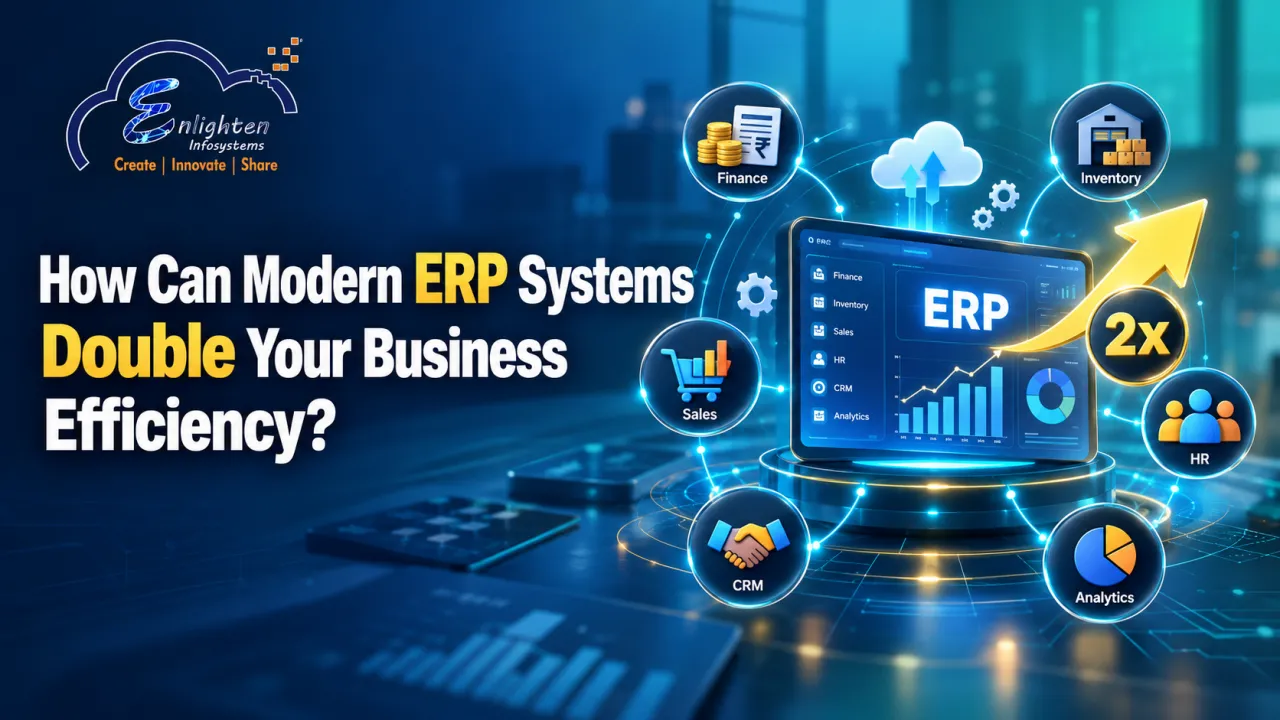
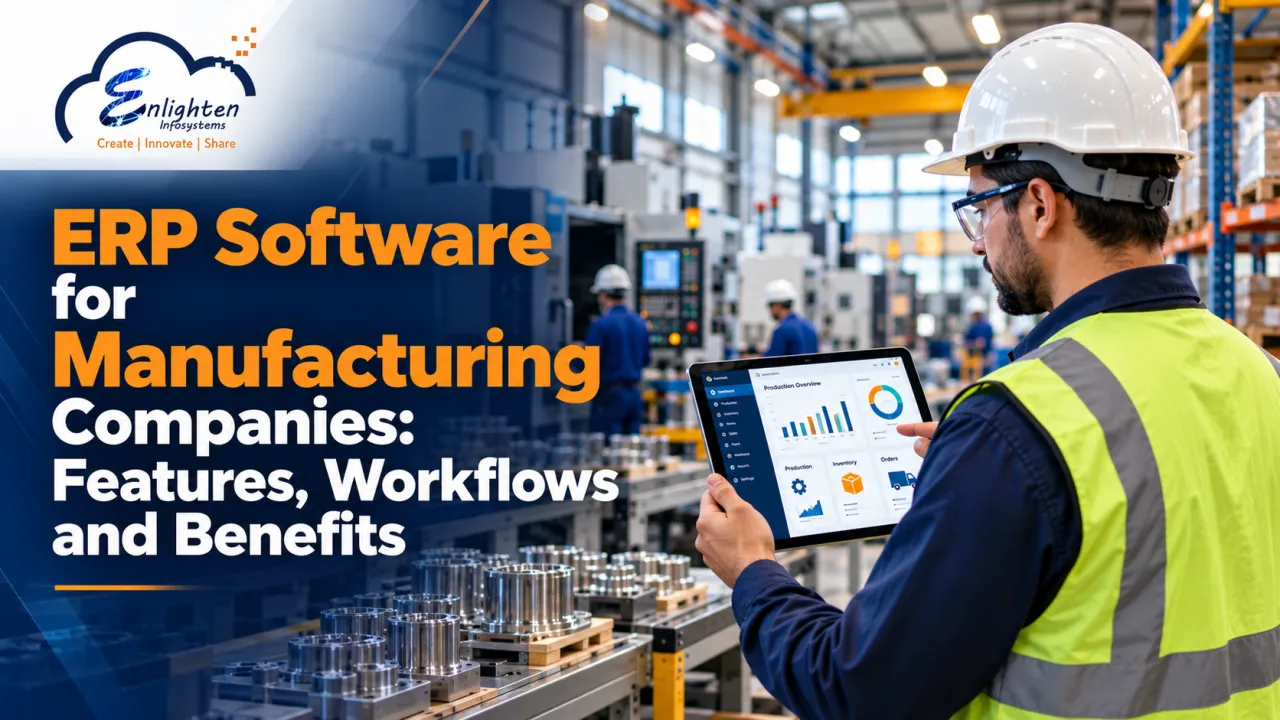
This is where ERP software for manufacturing companies can help. An Enterprise Resource Planning (ERP) system brings important business activities together on one platform. It helps manufacturers manage production, inventory, purchasing, sales, and finance using connected information.
With a suitable manufacturing ERP system, businesses can improve daily operations, reduce manual work, and make better decisions. Companies such as Enlighten Infosystems provide manufacturing ERP solutions designed to connect different business functions and simplify complex workflows.
What Is ERP Software for Manufacturing Companies?
ERP software for manufacturing companies is a business management system that connects different departments and helps them share information. Instead of maintaining separate records for purchasing, production, inventory, and accounting, manufacturers can manage these activities through one central system.
For example, when a customer places an order, the ERP system can help the business check available stock, calculate material requirements, plan production, and prepare the order for delivery.
A manufacturing ERP system may include features such as:
● Production planning and scheduling
● Raw material and finished goods inventory
● Purchase and supplier management
● Sales order and invoice management
● Quality control and inspection records
● Financial reporting and cost tracking
● Real-time business reports and dashboards
The exact features depend on the software and the needs of the business. The main goal is to connect daily operations so that teams can work with accurate and updated information.
Key Features of Manufacturing ERP Software
A good ERP solution should support the main activities involved in making and selling products. Here are some important features manufacturers should consider.
1. Production Planning and Scheduling
Production planning helps manufacturers decide what to produce, how much to produce, and when to complete each order.
Without proper planning, a factory may accept more orders than it can handle or face delays because machines and workers are not available at the right time.
Using production planning software, businesses can plan production based on customer orders, available materials, machine capacity, and delivery deadlines.
This helps teams organise production schedules, manage workloads, identify possible delays, and use resources more effectively.
2. Raw Material Inventory Management
Raw materials are the basic items used to manufacture finished products. If these materials are unavailable when production starts, work may stop. Keeping too much stock, however, can increase storage costs and block working capital.
Raw material inventory management helps businesses monitor stock levels, record incoming materials, track material usage, and identify items that need to be reordered.
An ERP system can also connect inventory records with purchase orders and production requirements. Some systems provide automatic reorder alerts when stock reaches a defined level.
This makes it easier to maintain the right stock levels and reduce the risk of material shortages or excess inventory.
3. Purchase and Supplier Management
Manufacturers depend on suppliers for raw materials, spare parts, packaging, and other resources. Managing supplier details and purchase orders manually can make it difficult to track deliveries and payments.
ERP software helps businesses record purchase requests, manage supplier information, track purchase orders, and confirm the receipt of goods.
For example, if a supplier delays an important delivery, the purchasing team can review the order status and inform the production team. This allows the business to adjust its plans before the delay affects customer orders.
4. Quality Control Management
Product quality is important for customer satisfaction and business growth. Manufacturers need to check materials before production, monitor products during manufacturing, and inspect finished goods before dispatch.
A manufacturing ERP system can help maintain inspection records, quality checklists, rejection reports, and product details.
These records help teams identify repeated problems and understand where improvements are needed. Quality control requirements should be configured according to the product, industry, and applicable standards.
5. Sales, Dispatch and Invoice Management
Manufacturing does not end when a product is ready. Businesses must also manage customer orders, dispatch schedules, delivery documents, and invoices.
ERP software connects sales and dispatch activities with inventory and production information. Teams can check order status, confirm product availability, plan deliveries, and generate invoices using relevant business records.
This improves coordination between departments and helps reduce errors during order processing.
6. Financial Management and Reporting
Manufacturing costs include raw materials, labour, machinery, transport, utilities, and other operating expenses. Without organised financial records, it can be difficult to understand the true cost of production.
ERP software can connect purchasing, sales, inventory, and accounting records. Depending on the system, it may support expense tracking, accounts payable, accounts receivable, tax calculations, and cash flow reporting.
Managers can use these reports to review spending, monitor outstanding payments, and make more informed financial decisions.
How Does an ERP System Work in Manufacturing?
A manufacturing ERP system connects the different stages of production. Here is a simple example of how the workflow operates.
Step 1: Receive a Customer Order
The process begins when a customer places an order. The sales team records the product, quantity, price, and expected delivery date in the system.
Step 2: Check Stock and Material Requirements
The ERP system helps the team check available finished goods and raw materials. Material requirements planning (MRP) uses details such as production orders, stock levels, and supplier lead times to calculate what may need to be purchased.
Step 3: Plan Production
Once the material requirements are understood, the production team prepares a schedule. The plan considers the order quantity, available machines, workers, and production capacity.
Step 4: Manufacture and Inspect Products
Workers follow the production plan and record progress according to the system's capabilities. Quality checks help identify products or materials that do not meet the required standards.
Step 5: Dispatch the Finished Goods
After production and final inspection, the dispatch team prepares the order for delivery. Stock records can be updated to reflect the movement of finished goods.
Step 6: Generate Invoices and Review Payments
The finance team uses order and delivery information to prepare invoices and track customer payments. Managers can review sales, costs, and outstanding amounts through reports.
When these stages are connected, teams can access relevant information without repeatedly entering the same details into different systems.
Benefits of ERP Software for Manufacturing Companies
The right ERP system can help manufacturers improve daily operations and manage business growth more effectively.
Better Production Efficiency
Connected production schedules, material records, and order information help teams organise their work. This can reduce unnecessary delays, improve resource use, and make production progress easier to monitor.
Improved Inventory Accuracy
Real-time stock updates, material tracking, and reorder alerts help businesses understand what is available and what needs to be purchased. Better inventory control can reduce shortages, excess stock, and avoidable storage costs.
Less Manual Work
Manufacturing process automation allows businesses to automate selected repetitive activities, such as updating records, generating reports, sending alerts, and processing routine transactions.
This reduces the need for repeated data entry and allows employees to focus on tasks that require attention and decision-making.
Better Coordination Between Departments
When purchasing, production, sales, inventory, and finance use connected information, teams can respond to changes more quickly.
For example, the sales team can check order progress, while production staff can review material availability. This shared view helps departments work towards the same delivery goals.
Improved Cost Control
ERP reports can help managers review material usage, purchasing expenses, production costs, and payment status. These insights make it easier to identify waste, investigate unexpected expenses, and plan budgets.
Easier Business Growth
As a manufacturing company grows, it may need to handle more orders, suppliers, products, or production locations. A scalable ERP system can help manage increasing workloads without relying entirely on additional spreadsheets and manual processes.
The system should be selected according to the company's current requirements and future plans.
An effective manufacturing ERP system connects inventory, purchasing, finance and other business functions. Learn more about ERP features for managing business operations.
How to Choose the Right Manufacturing ERP System
Not every manufacturing business needs the same software. A small factory producing a few standard products may have different requirements from a business managing complex production stages or multiple facilities.
Before selecting an ERP solution, consider the following points:
● Business requirements: Identify the problems you want the software to solve, such as stock errors, production delays, or poor reporting.
● Essential features: Check whether the system supports production planning, inventory, purchasing, quality control, sales, and finance as required.
● Ease of use: Choose a system that employees can learn and use comfortably.
● Customization: Check whether the software can support your specific production methods and approval processes.
● Integration: Make sure it can connect with other important business applications where needed.
● Reporting: Look for clear reports that help managers understand stock, production, costs, and order status.
● Support and maintenance: Understand the training, technical support, updates, and ongoing maintenance available.
● Total cost: Consider implementation, customization, training, integration, and maintenance costs, not just the initial software price.
A clear list of requirements can help businesses compare ERP options and choose a solution that fits their operations.
How Enlighten Infosystems Supports Manufacturing Operations
Enlighten Infosystems provides software development and ERP solutions to help businesses manage their operations through connected digital systems.
Its manufacturing ERP solution includes modules for purchase management, stock and inventory, goods receipt, sales invoicing, ledger management, and accounts payable and receivable.
The platform also supports an integrated manufacturing workflow covering procurement, production, dispatch, and finance. Its material requirements planning engine helps calculate raw material needs using sales orders, current stock levels, and supplier lead times. Quality control features support inspections at different stages of the production process.
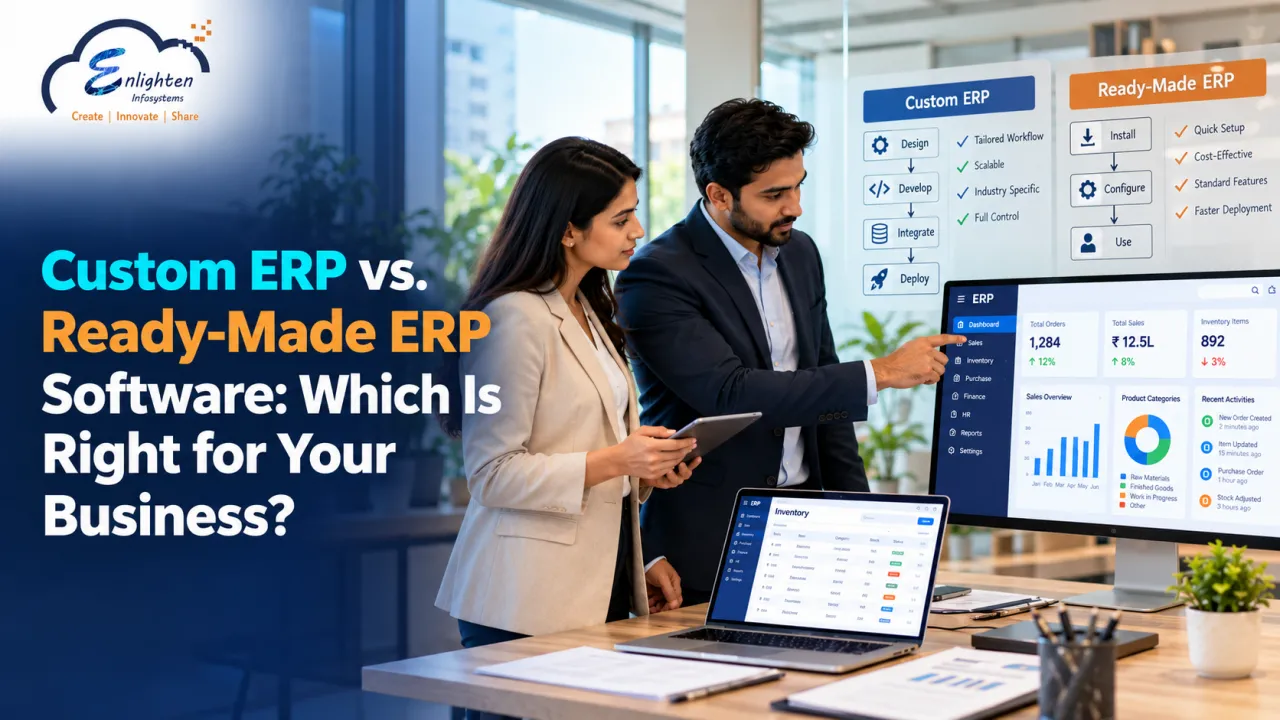
Choosing the right ERP approach can make a significant difference in how efficiently a manufacturing business manages its operations. Businesses can also explore custom ERP software development to understand how tailored ERP systems can support specific business requirements.
For manufacturers with specific operational requirements, ERP software development and custom ERP solutions can also be relevant areas to discuss when evaluating software options. Businesses should assess the features, configuration, and integrations required for their own workflows before choosing a solution.
By connecting important business activities, a suitable ERP system can help manufacturers improve visibility, organize work, and manage resources more effectively.
Conclusion
Managing a manufacturing business requires careful coordination between purchasing, production, inventory, sales, dispatch, and finance. When these activities rely on disconnected records, mistakes and delays can affect productivity and customer satisfaction.
ERP software for manufacturing companies brings important business information together on one platform. It helps teams plan production, monitor stock, track orders, manage costs, and review business performance.
The right solution depends on the size of the business, its production methods, and its operational needs. By identifying these requirements and choosing suitable software, manufacturers can build more organized workflows and prepare their operations for future growth.
Enlighten Infosystems offers manufacturing ERP capabilities that help connect core business functions. Manufacturers can review its solution to understand whether its features align with their operational goals.